I found Z brush modelling to be quite challenging to begin with, as this project was my introduction to a 3D workflow using sculpting opposed to hard surface modelling. This was also my first time using Z brush beyond the basics we went over in the tutorials in our previous module. However, as most profession pipelines in the games industry utilise a library of preexisting assets for kit-bashing to have a more efficient and streamlined process, I was able to use this as a crutch to start with.
I used Art Station to find a body model to use as my base, which had each part of the body as a separate tool. This was I could articulate individual parts of the model to pose later on, instead of having deformation from masking and transforming a combined model.
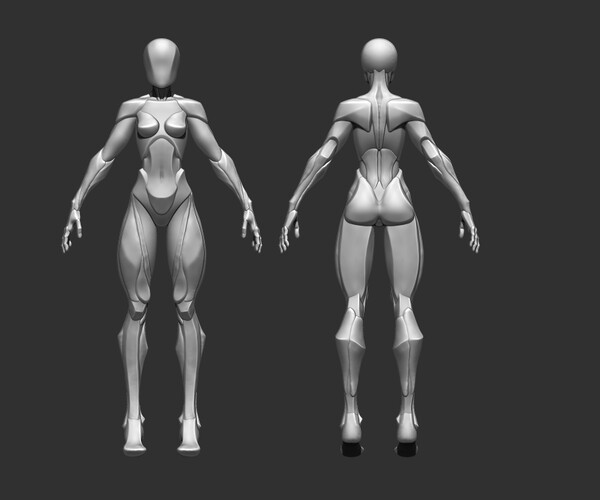
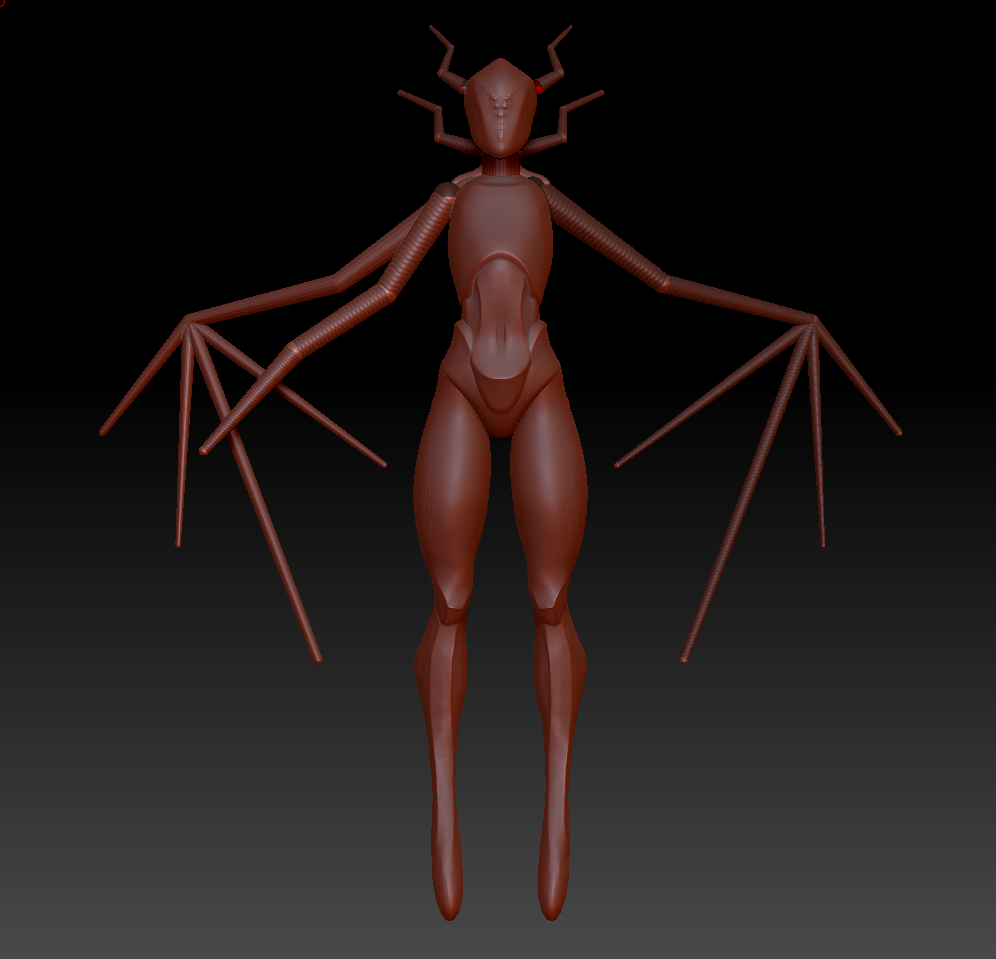
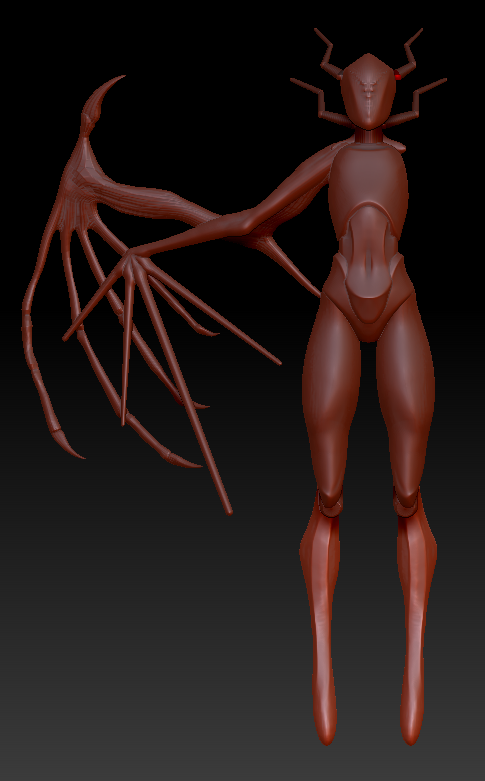
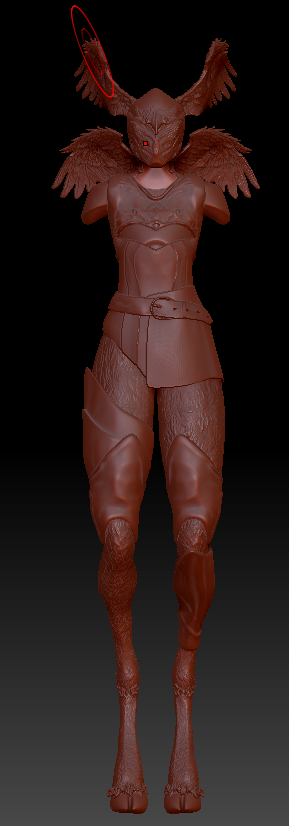
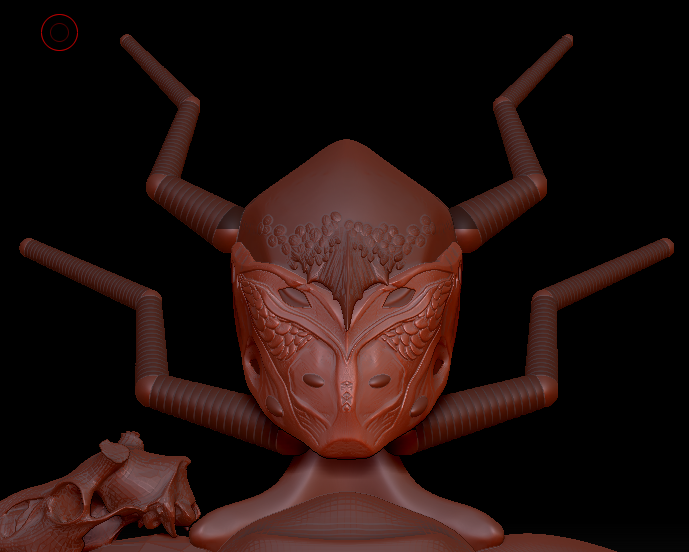
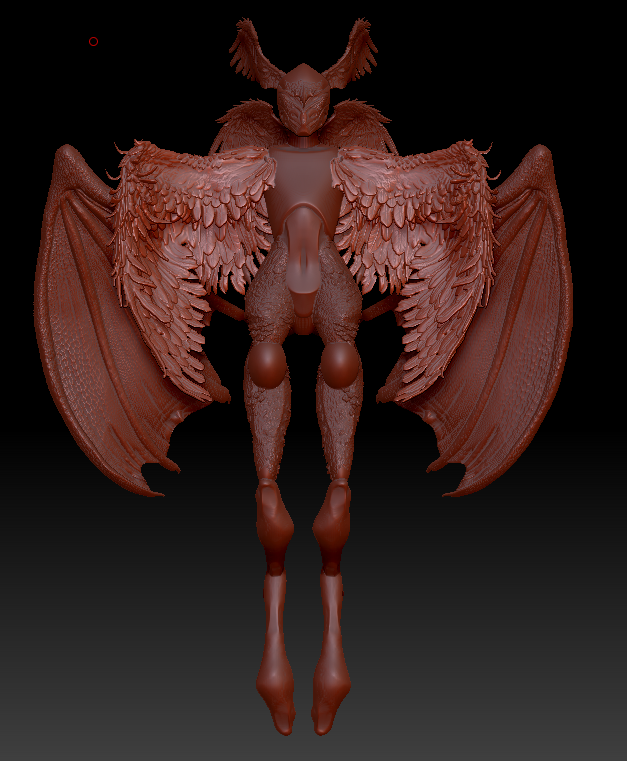
As the nature of my creature was something built up of different animal parts, kit-bashing felt appropriate symbolically as well as efficiently. I wanted to be intentional in the proportions of parts making up my creature, so I used the body model as a foundation and used z-spheres as an outliner for my different wings and spacing between different assets.
I used a combination of different tools I found through Art station and Sketchfab to produce assets fit for my model.
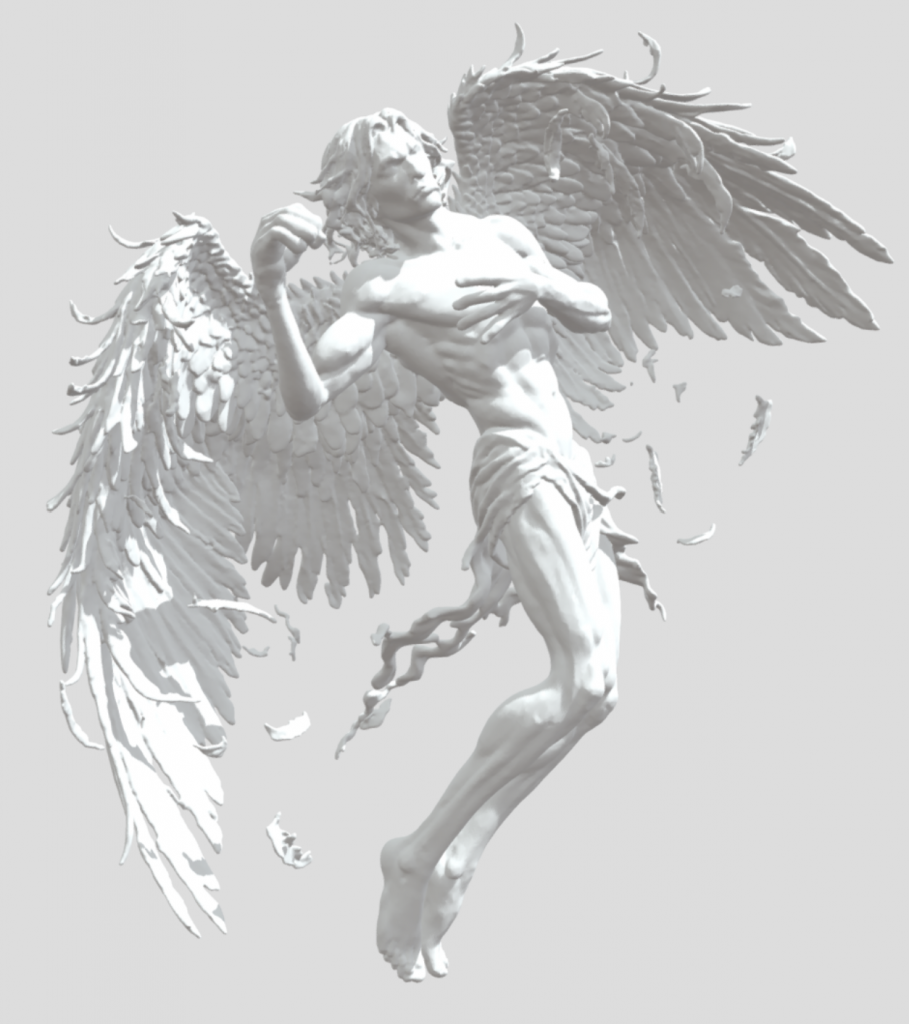
For the main body wings I found a model of Icarus where the wings felt very organic, imported it into Z-brush and cut out the parts I wanted to use. Again, I used the z-spheres block out to maintain the proportions I wanted and used a combination or move tools and brushes to adjust the shape and size.
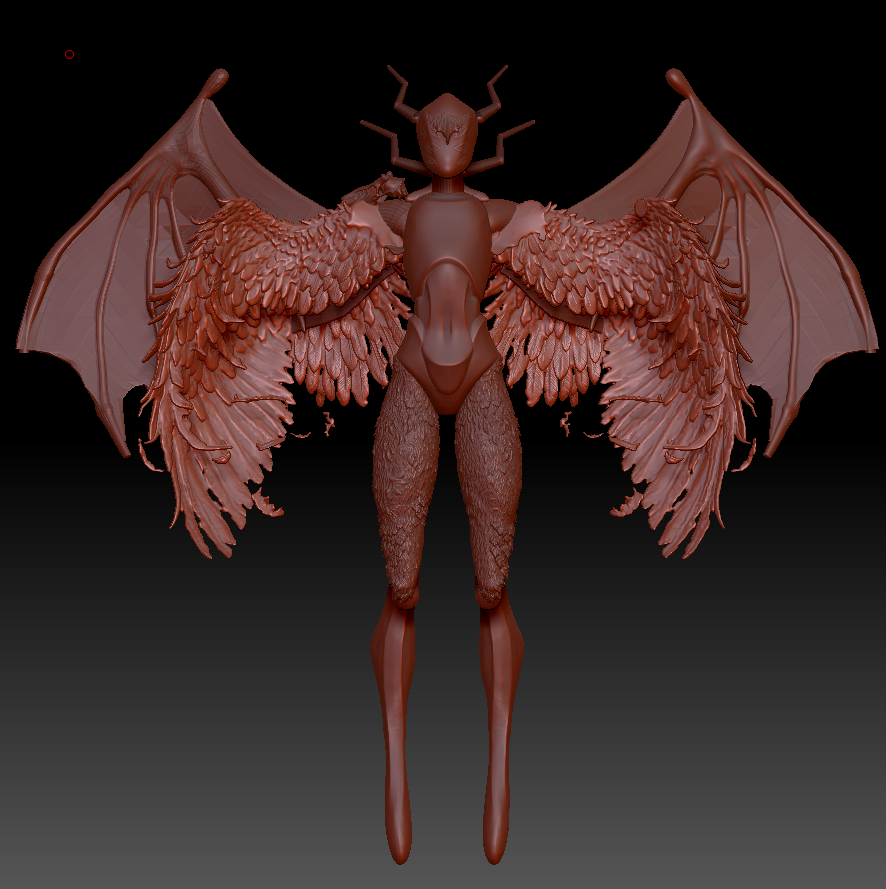
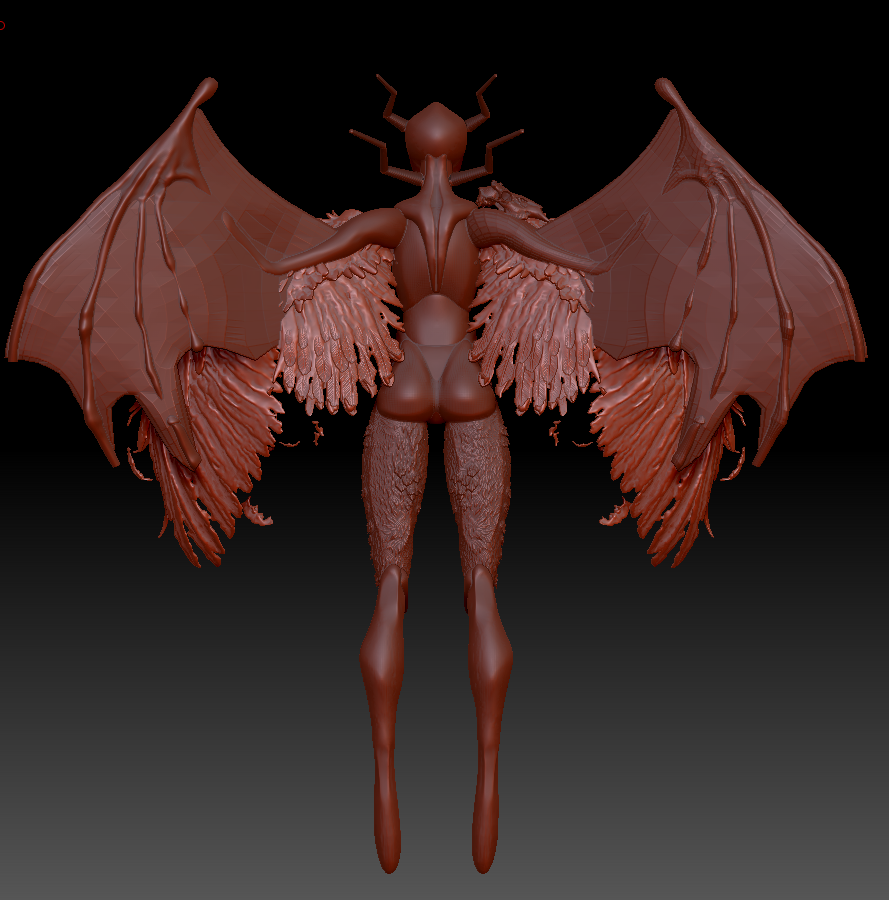
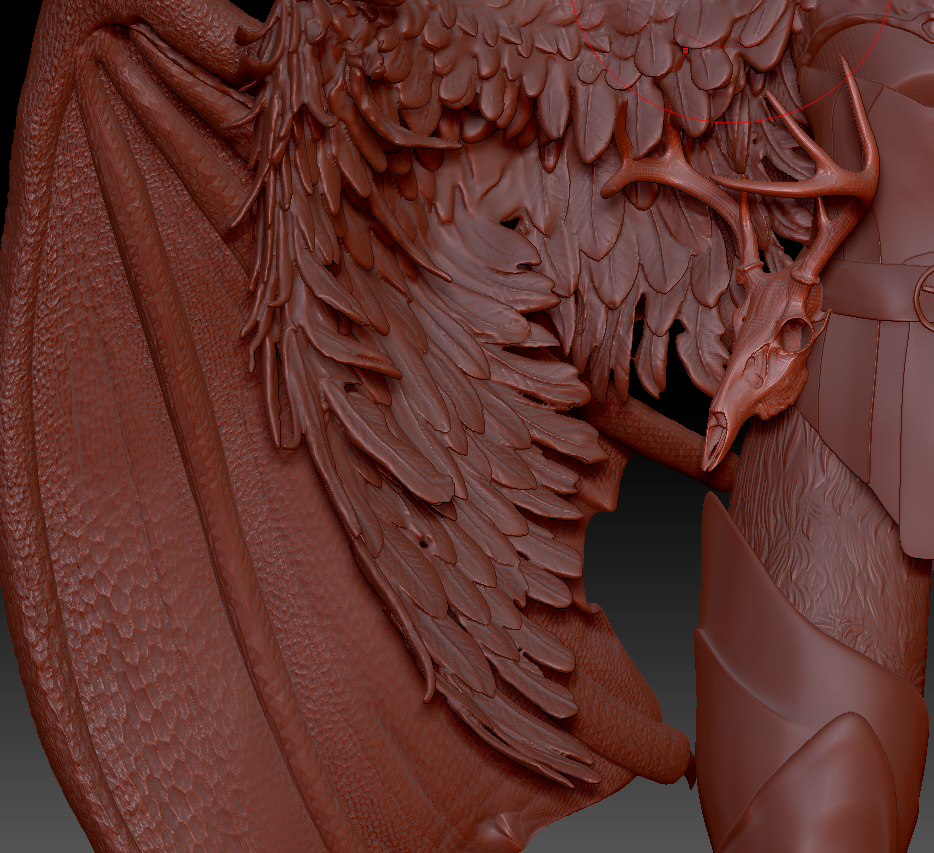
I took one of Dragonlisco’s dragon wing demos (https://www.artstation.com/dragolisco/store), for the batwings; separated the skin membrane from the bone structure, played around with the bone structure until it fit the shape of my z-sphere blockout. I found this asset to be closer to the anatomy of bat wings than others, and using it to block out the shape helpful. I then imported the Sketchfab asset I found by Alexandria Maharaj ( https://sketchfab.com/Thedovahtamer) to fit the textures I wanted to achieve. I used the previous wing as a template and adjusted the size and placement of my final wing tool. I then went in and refined the textures by using brushes I sources for scales and skin details.
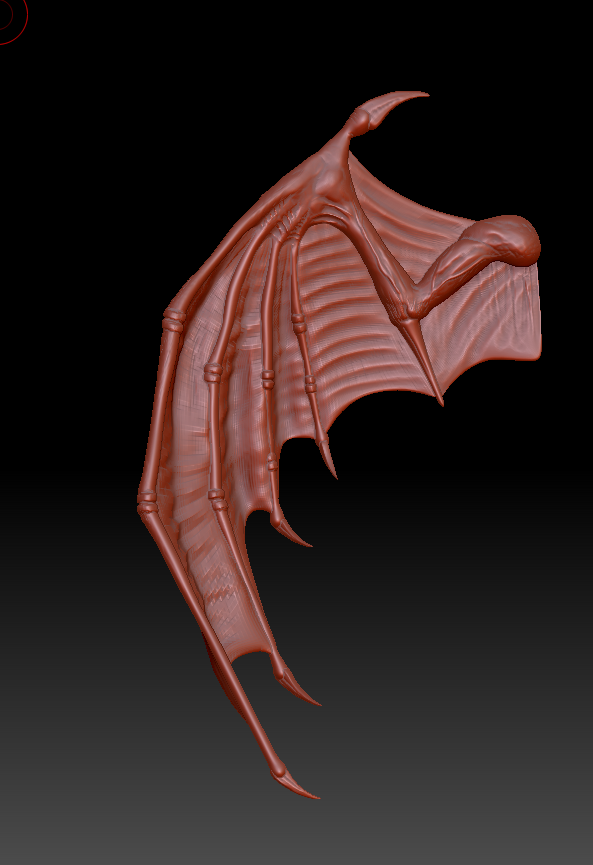
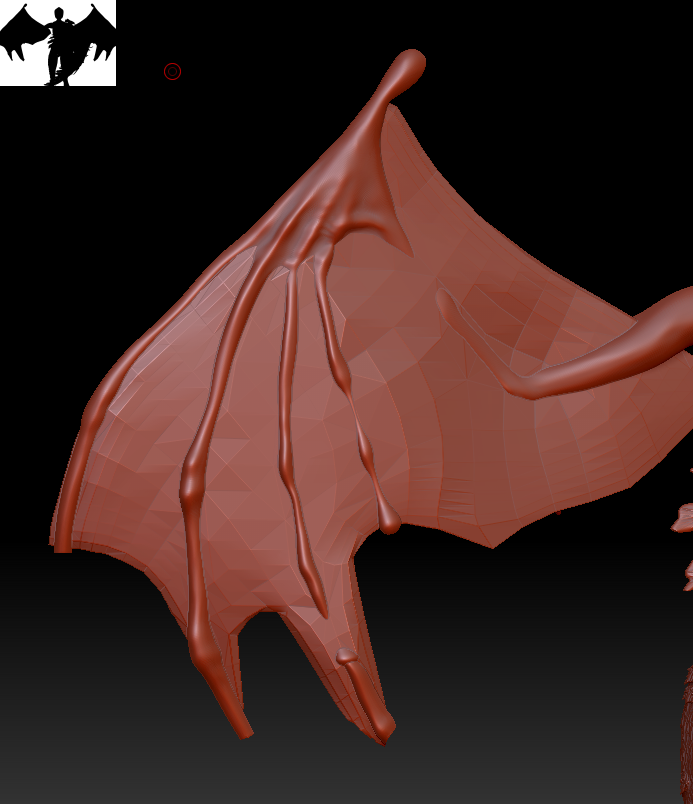
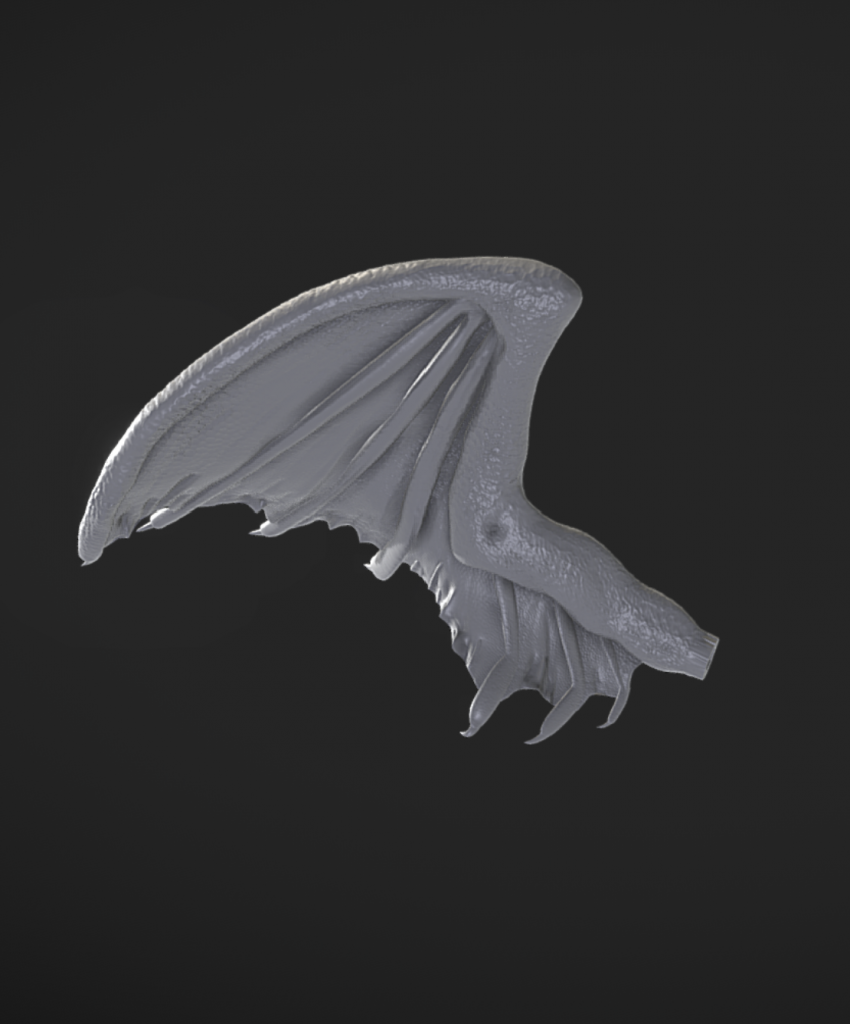
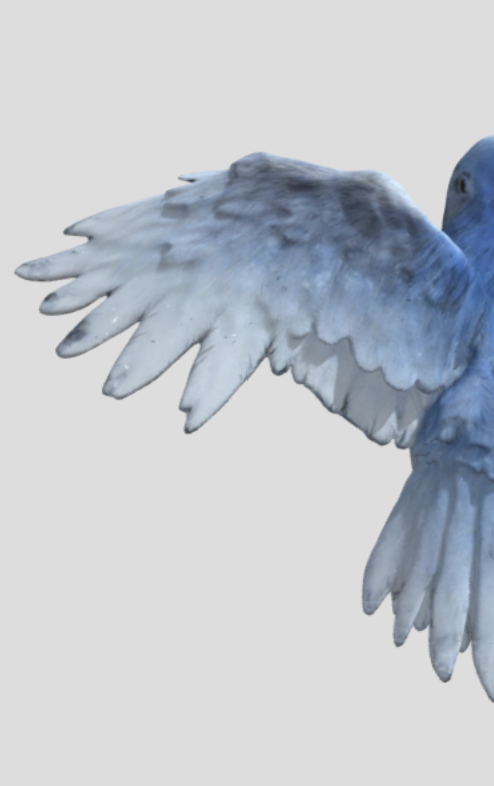
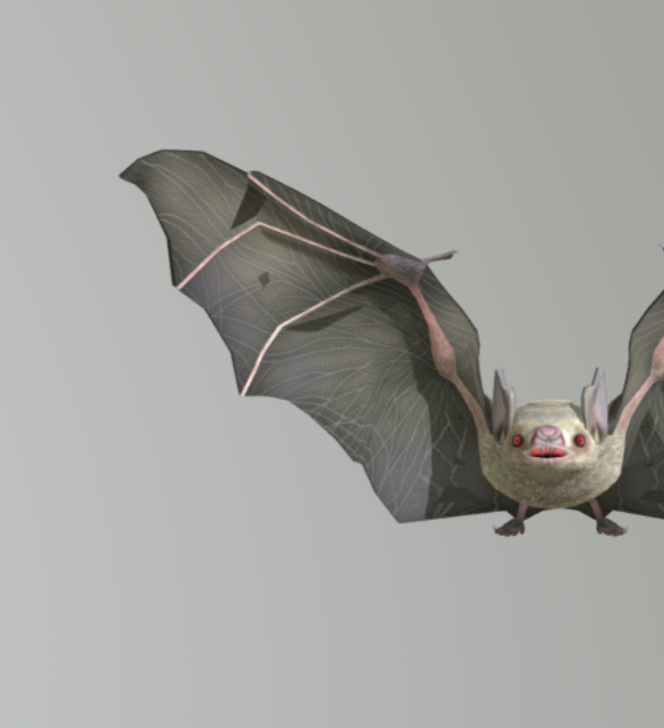
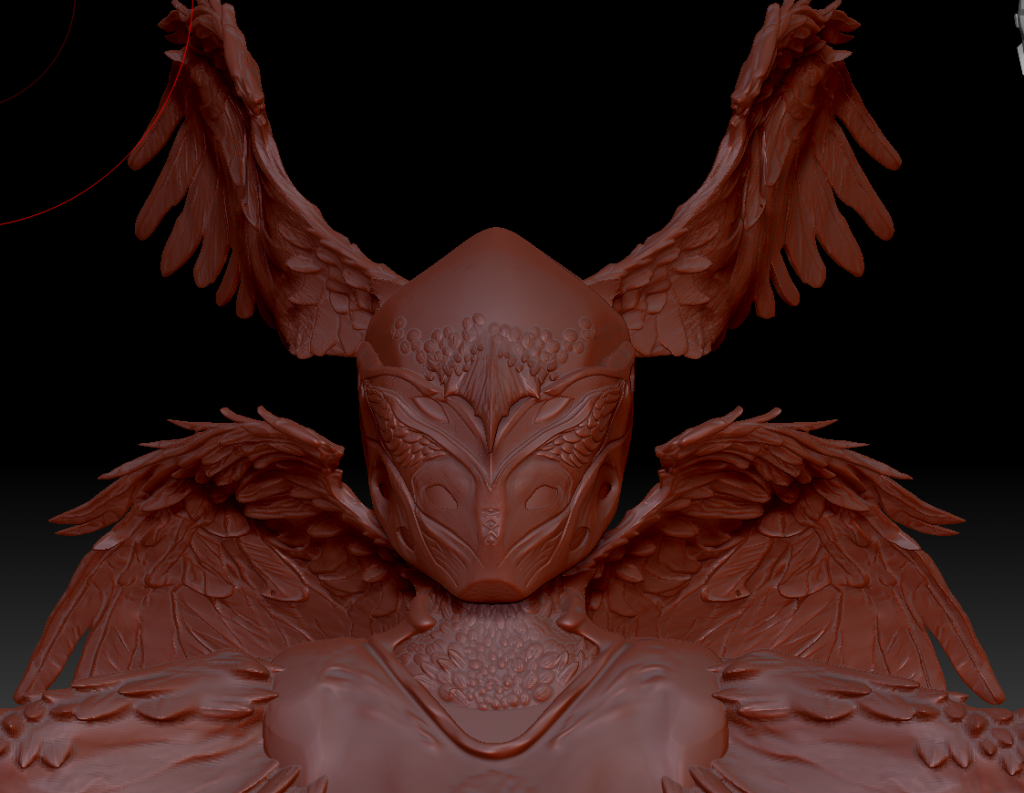
For the face wing, I wanted to ensure the wings had dynamic shapes. I found animated models of a bird (https://sketchfab.com/3d-models/frostwing-sentinel-bird-32f2e26990ec477fa48e0a4f58873636) and bat (https://sketchfab.com/3d-models/bat-flying-de028c94ae87414e9da27b294afa97ac) flying on Sketchfab, imported them into Adobe Dimention to convert them to OBJs, and then into Z-Brush. I took the wings to use them as a base for the shapes and used brushes to add the feather detailing in.
Kit-Bashing
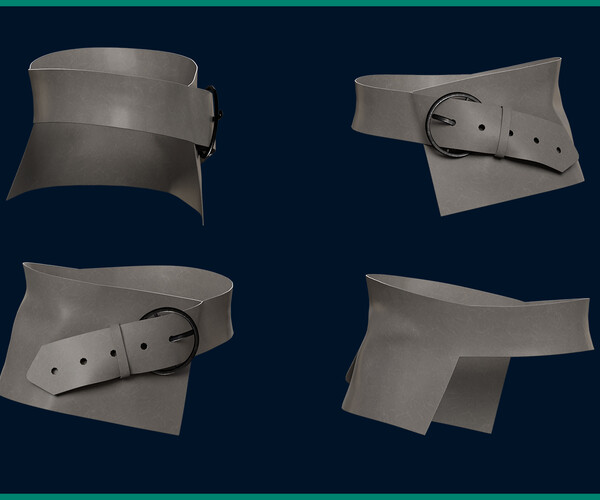
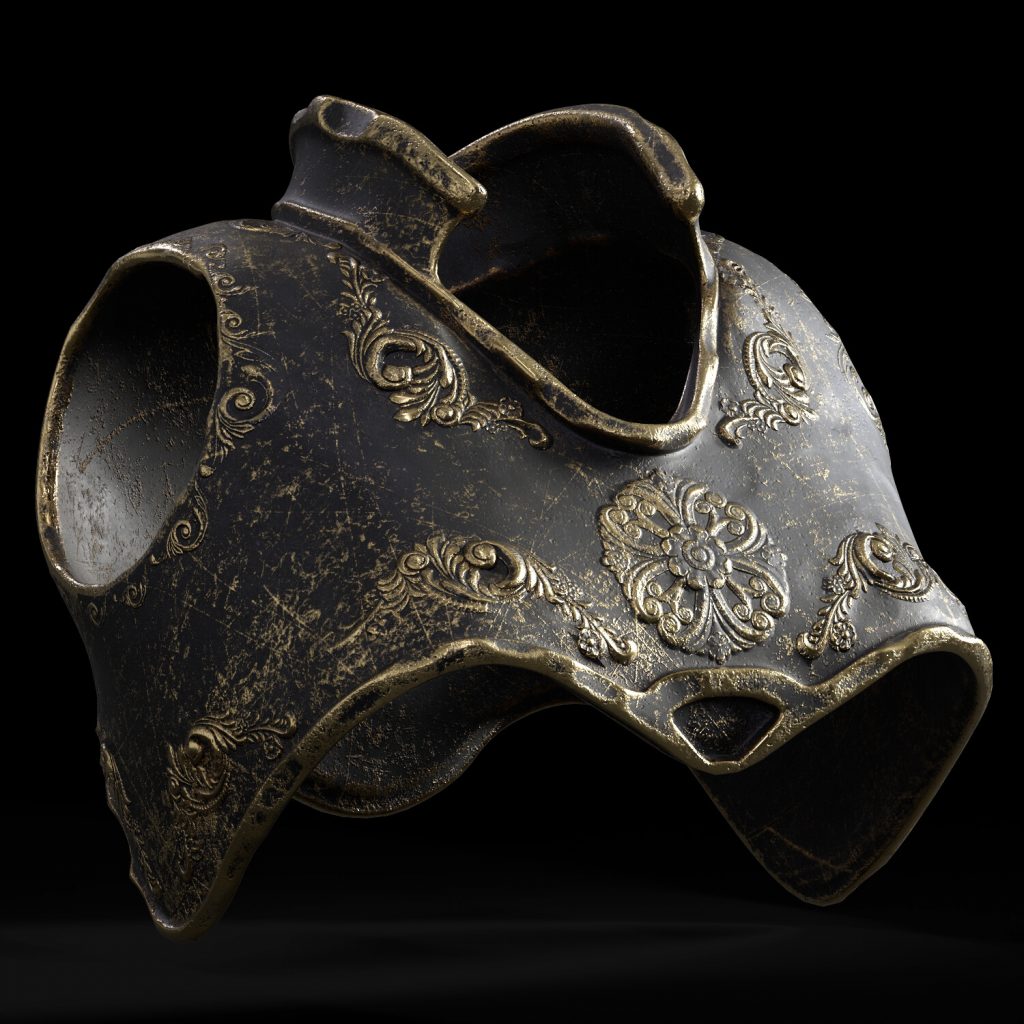
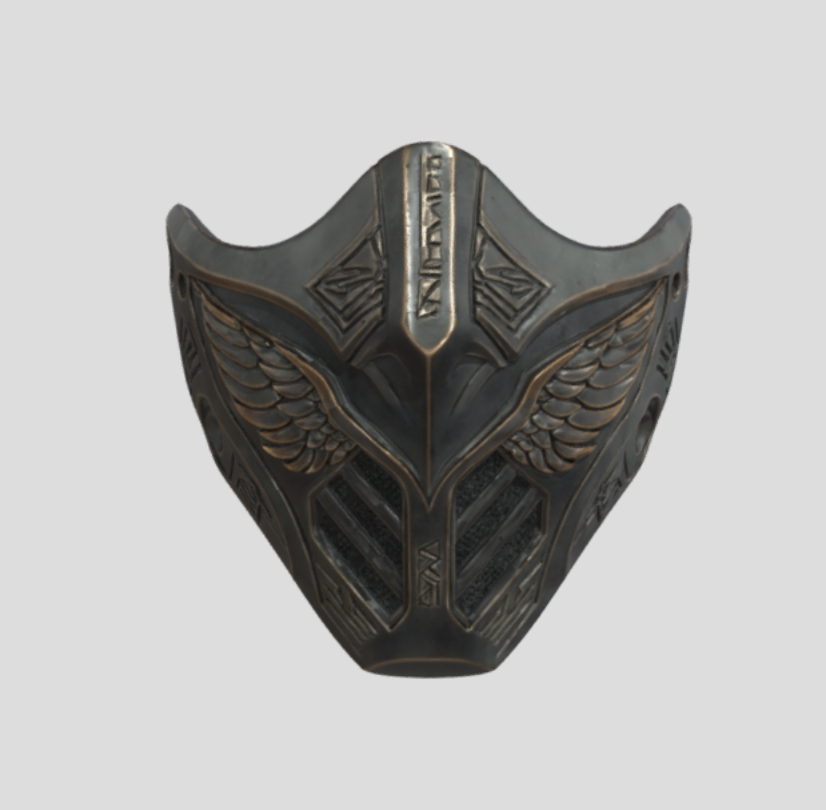
I used different assests I found on Art Station and Sketchfab to add details such as cothing and armor, in additon to making my own peices.